How To Convert Physical TM SIM To eSIM 2026: Complete Guide For User
How To Convert Physical TM SIM To eSIM. In today’s fast-changing mobile world, eSIM technology is becoming very popular. If you are a TM user in the Philippines, you can now convert your physical SIM into an eSIM easily without visiting any store. The process is simple and can be done through the GlobeOne app in just a few steps.
An eSIM is a digital SIM built inside your phone. You don’t need to insert or remove any card. It is activated using a QR code sent to your email, making it more secure and convenient. You only need a registered TM SIM, a compatible device, internet connection and a small fee.
Once activated, your physical SIM will stop working. In this guide, you will learn everything about eSIM, its benefits, requirements and the complete conversion process.
What is an eSIM?
An eSIM (Embedded Subscriber Identity Module) is a digital SIM card that is already built into your phone. Unlike a physical SIM, you do not need to insert or remove anything. Instead, you activate it by scanning a QR code provided by your network.
Simple Explanation:
- Physical SIM = Plastic card inserted in phone
- eSIM = Digital SIM inside your phone
What You Can Do with eSIM:
- Use multiple numbers on one phone
- Switch between networks easily
- Avoid losing or damaging SIM cards
- Stay connected without opening your phone
This technology is becoming very popular, especially in modern smartphones.
Read Also: TM EasySurf Promos
Why Convert Physical TM SIM to eSIM?
There are many strong reasons why people are switching to eSIM.
1. More Security
- eSIM cannot be removed from your phone. If your phone is stolen, your SIM cannot be taken out easily.
2. No Physical Damage
- Physical SIM cards can break or get damaged. eSIM solves this problem completely.
3. Easy Switching
- You can change numbers or networks without changing SIM cards.
4. Perfect for Travelers
- If you travel, you can add another network without removing your main SIM.
5. Save Space in Phone
- Phones have limited SIM slots. eSIM helps you use more numbers without needing extra space.
Requirements Before Converting to eSIM
Before you start the process, make sure you have everything ready.
Basic Requirements:
1. Active TM Physical SIM
- Must be working
- Must be registered in your name
2. GlobeOne App Account
- Your TM number must be linked
- It should be your primary number
3. eSIM Supported Phone
Your phone must support eSIM.
4. Updated GlobeOne App
- Use the latest version
- Older versions may not work
5. ₱99 Balance
You need this amount to pay for conversion. Payment methods:
- GCash
- Debit Card
- Credit Card
6. Active Email Address
- You will receive QR code on email
- Also used for payment receipt
7. Stable Internet Connection
The entire process is online, so internet must be stable.
8. Backup Your Contacts
Important step:

- Save contacts to phone storage
- Or backup to cloud
This prevents data loss.
Read Also: Stop Spam & Scam Texts On TM SIM
Devices That Support eSIM
Most modern smartphones support eSIM.
iPhone Models:
- iPhone XS and newer
- iPhone 11, 12, 13, 14, 15, 16 series
Android Devices:
- Samsung Galaxy S20 and newer
- Samsung Z Fold / Flip series
- Google Pixel 3 and newer
- Huawei P40, P50, Mate 40
Always check your device settings to confirm eSIM support.
Convert Physical TM SIM to eSIM (Using App)
This is the easiest method. You do not need to visit any store.
Step 1: Open GlobeOne App
Launch the GlobeOne app on your phone. Log in using your TM number and make sure it is set as your primary number.
Step 2: Go to SIM Services
From the main screen, tap on SIM Services to access your SIM options.
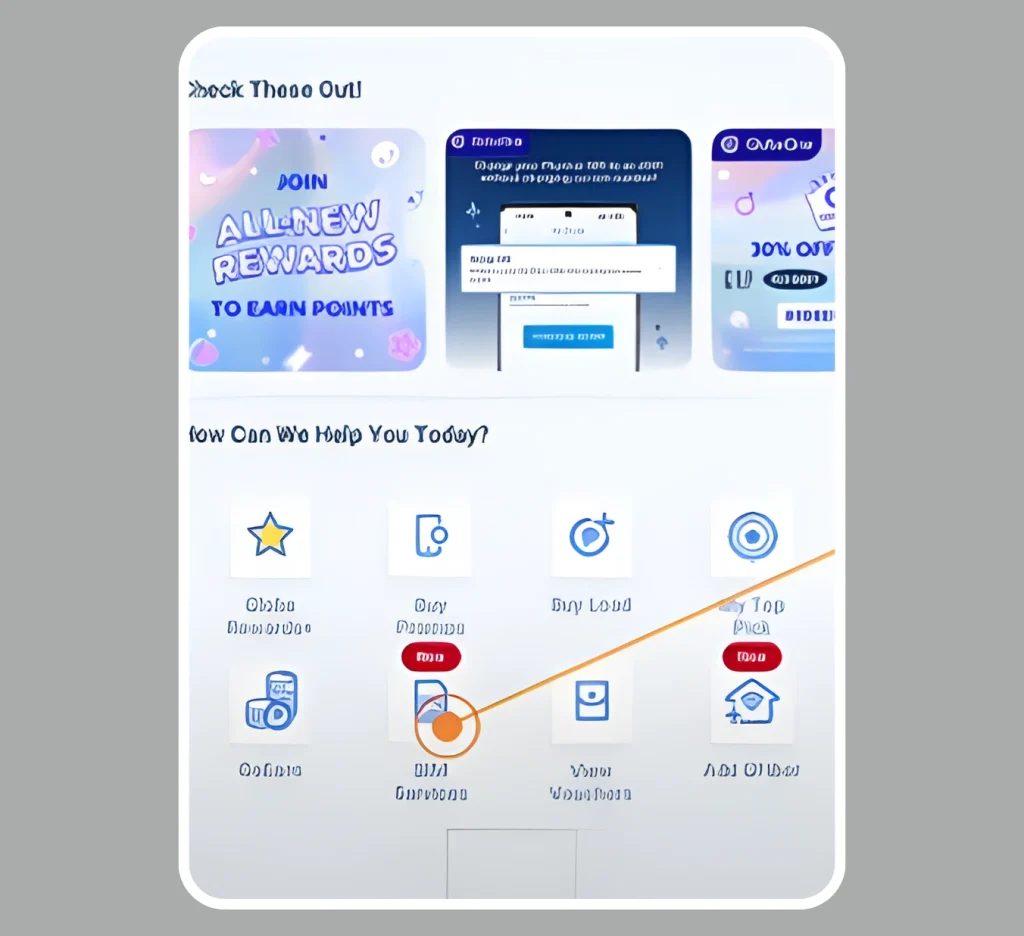
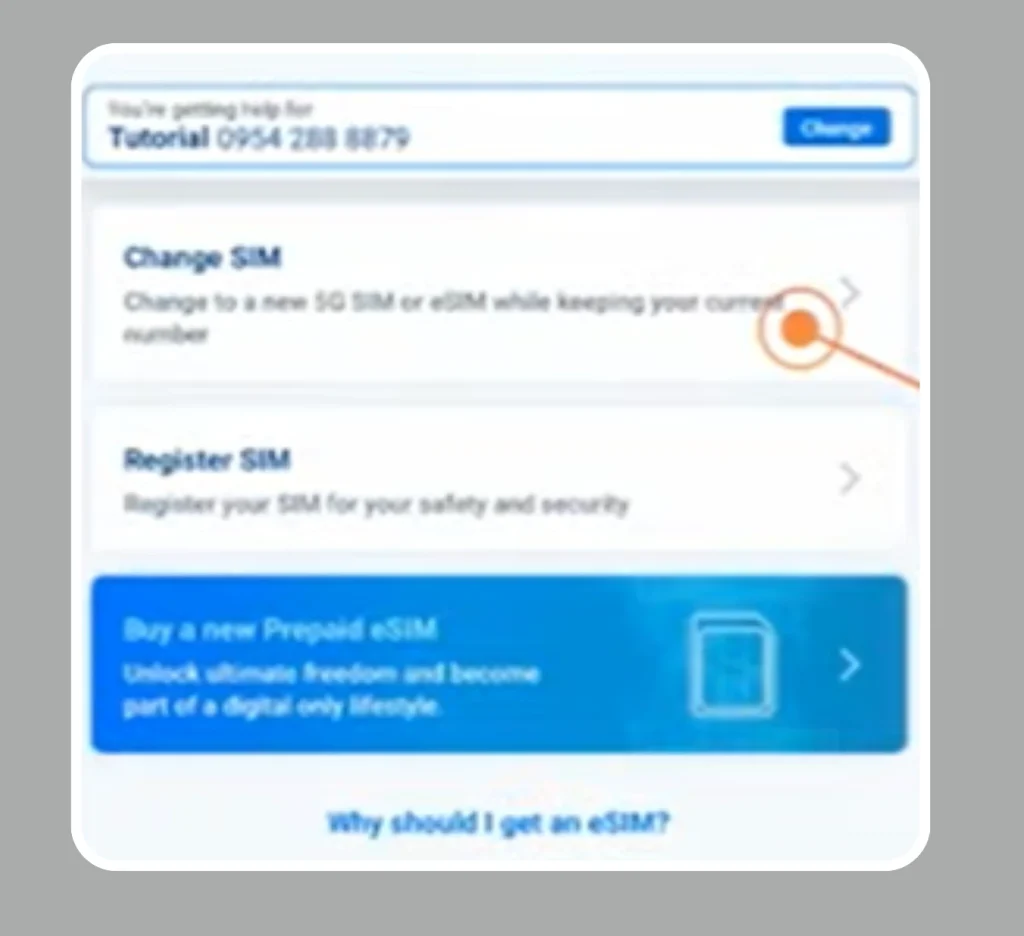
Step 3: Choose Change to eSIM
Inside SIM Services, select “Change to 5G Physical SIM or eSIM.”
- If your SIM is not 5G, upgrade it first.
- If it is already 5G, tap “Change to eSIM.”
Step 4: Confirm Ownership and Compatibility
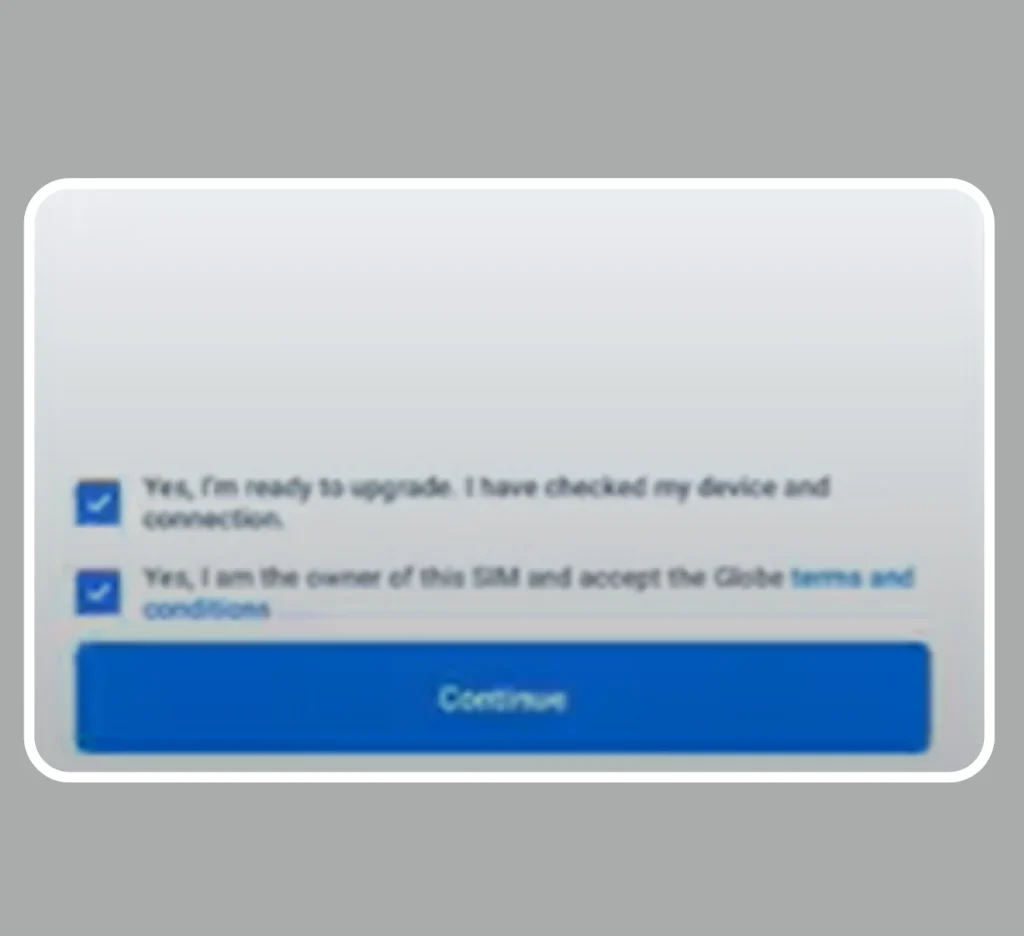
Check the boxes to confirm:
- You are the SIM owner
- Your phone supports eSIM
Then tap Continue.
Step 5: Provide Email Address
Enter a valid email address. TM will send the eSIM QR code and receipt to this email.

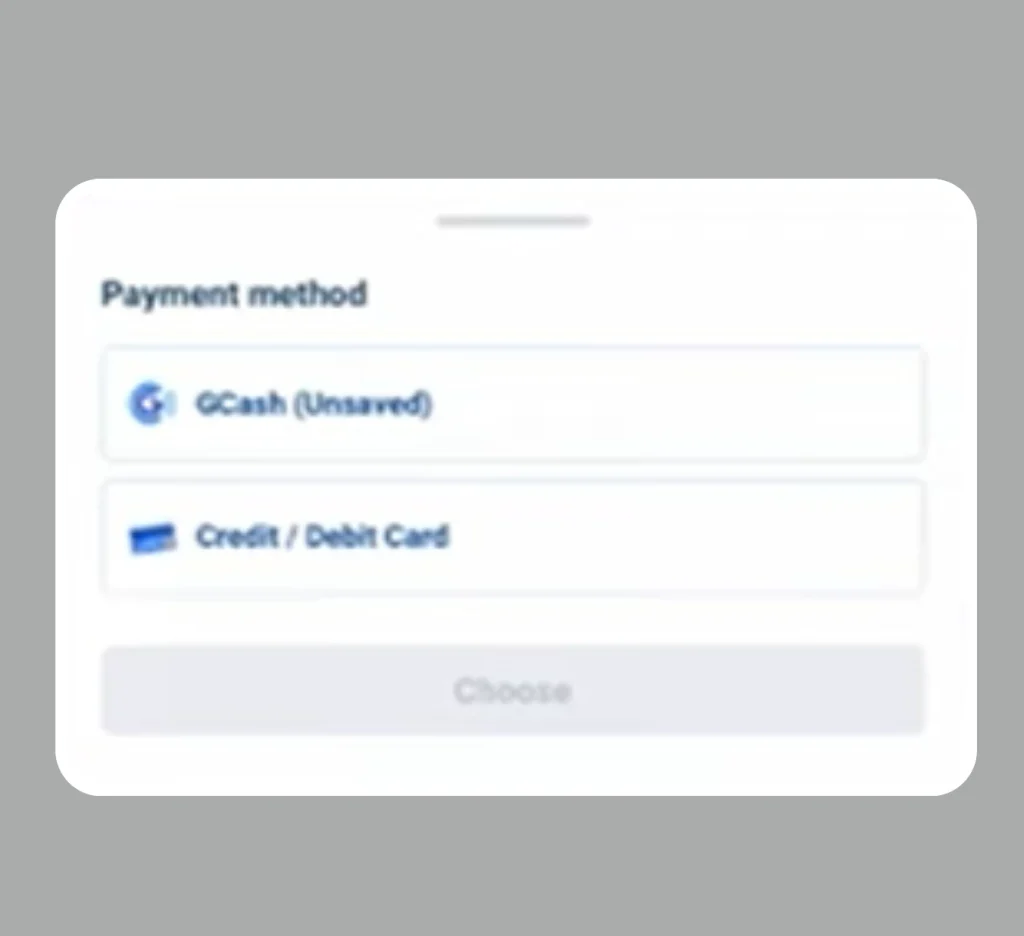
Step 6: Make Payment
Pay the ₱99 conversion fee using GCash, debit card, or credit card.
Step 7: Download eSIM
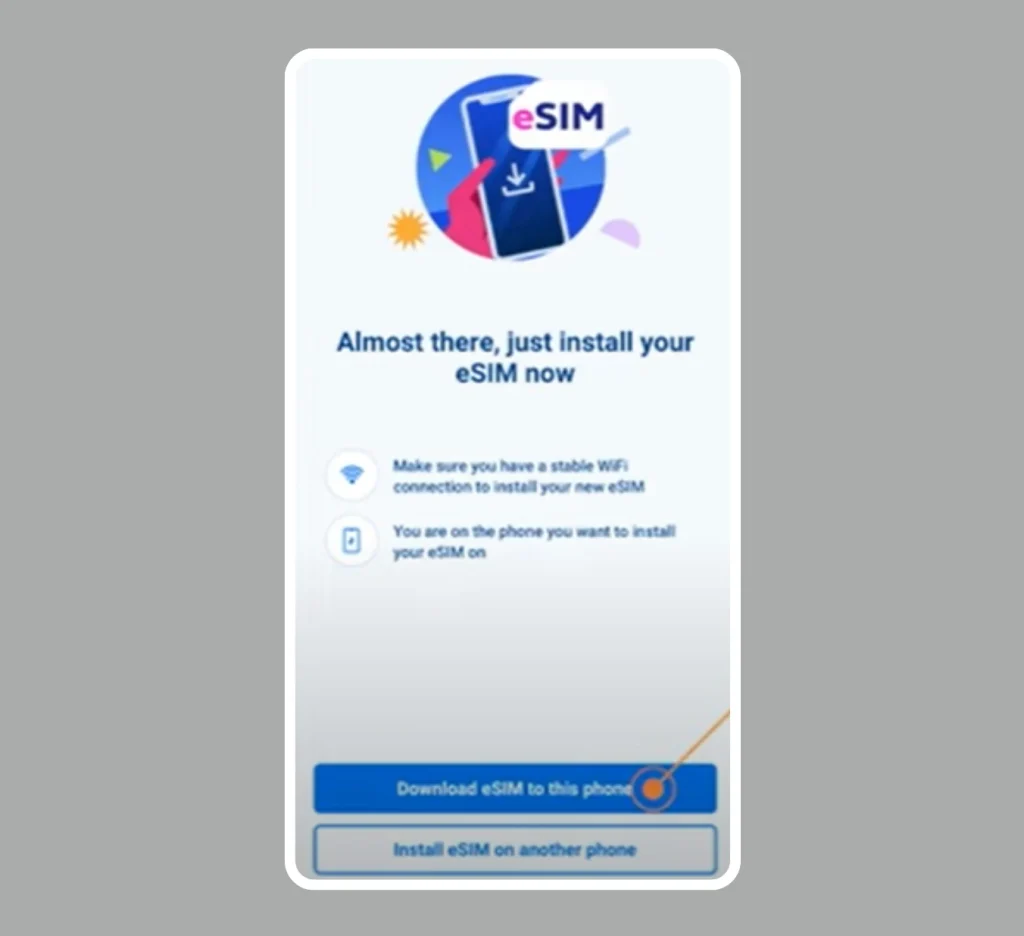
Tap “Download eSIM to this phone” and ensure your Wi-Fi is stable during download.
Step 8: Activate eSIM
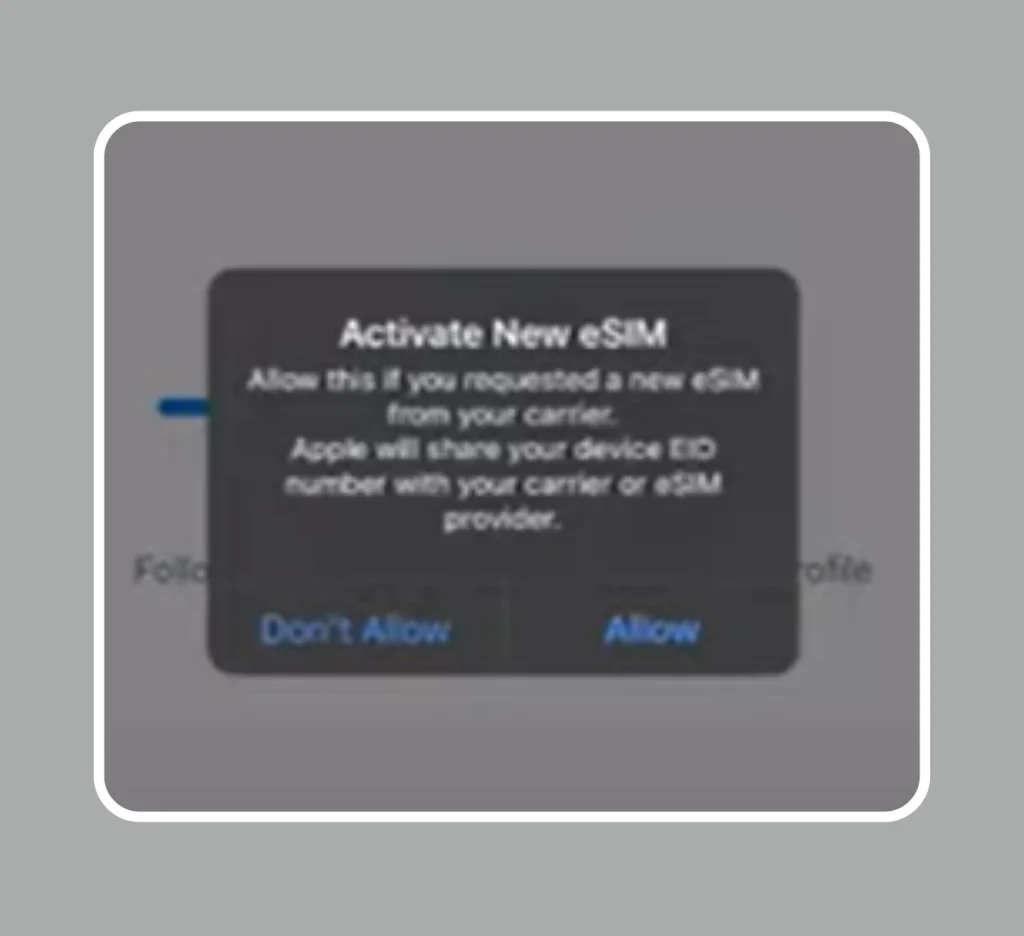
Tap Allow when prompted to activate the eSIM. Wait a few minutes (up to 24 hours). During this time, your physical SIM will still work.
Step 9: Remove Physical SIM
Once the eSIM is active, your physical SIM will automatically deactivate. You can safely remove it from your device.

Important Notes:
- Keep a copy of the QR code sent to your email.
- Do not delete the GlobeOne app you might need it for future eSIM transfers.
Read Also: 0985, 0953, 0962 And 0968 What Network Phillipines
How To Check if eSIM is Active
After converting your physical TM SIM to eSIM, it’s important to make sure it is working properly. Here’s how you can quickly check if your eSIM is active:
Step 1: Open Your Phone Settings
- Unlock your phone and go to Settings.
- On iPhone: Look for Cellular or Mobile Data.
- On Android: Open Connections → SIM Card Manager or Mobile Network.
Step 2: Look for eSIM Label
- In the Cellular / SIM settings, you should see your TM eSIM listed.
- It may appear as “TM eSIM” or your phone number.
Tip: If you see both your physical SIM and eSIM temporarily, don’t worry — only the eSIM will remain active once the activation is complete.
Step 3: Check Network Signal
- Make sure your phone shows TM network signal bars.
- If you see signal, your eSIM is connected to the network.
Step 4: Test Mobile Data
- Turn off Wi-Fi.
- Open a browser or app that requires internet.
- If pages load successfully, your eSIM is active and ready to use.
Step 5: Test Calls and Messages
- Make a short call to any number.
- Send a test SMS to confirm everything works.
Step 6: Remove Physical SIM (Optional)
- Once you confirm the eSIM is working perfectly, you can safely remove your old physical SIM.
You may see:
- Physical SIM (temporary)
- eSIM (active)
After full activation:
- Only eSIM will remain active
Test Your eSIM
After activation, test it properly.
Steps:
- Turn off WiFi
- Turn on mobile data
- Open a website
If it loads: Your eSIM is working perfectly.
Alternative Method: Convert Via TM Store
If app method does not work, you can visit a store.
Steps:
Step 1: Check Your TM SIM Registration
Ensure your TM number is active and registered under your name. You can verify by texting SIMREG to 8080. If it’s not registered yet, complete your TM SIM registration first.
Step 2: Backup Your Data
Save all your contacts, messages, and important data to your phone or cloud. This ensures nothing is lost during the switch.
Step 3: Prepare Your Phone and ID
Make sure you have:

- A valid ID
- Your active TM physical SIM
- An eSIM-compatible phone
Step 4: Visit a Globe or TM Store
Go to the nearest Globe store or TM service partner and request a conversion of your physical SIM to eSIM.
Step 5: Receive and Scan Your QR Code
After verification, you’ll be given a QR code. Open Settings → Mobile Data → Add eSIM on your phone and scan the code.
Step 6: Activate Your eSIM
Follow the on-screen instructions to complete activation. Test your mobile data, calls, and messages to confirm that your TM eSIM is working correctly.
Read Also: TM Surf4All99 Promo
Cost of TM eSIM Conversion
The cost is very low.
App Method:
- ₱99 only
Store Method:
- Usually ₱100–₱150
- Sometimes free
Always confirm before payment.
Can You Use Physical SIM and eSIM Together?
Yes, many phones support dual SIM.
Example:
- 1 Physical SIM
- 1 eSIM
This allows:
- Personal number
- Work number
All in one phone.
Steps
Yes, you can! Follow these steps to make it work:
Step 1: Check Dual SIM Support
- Open your phone settings and ensure your device supports Dual SIM or eSIM functionality.
Step 2: Keep Your Physical SIM Active
- Insert your current TM SIM or any physical SIM you want to use.
Step 3: Add an eSIM
- Go to Settings → Mobile Data/Cellular → Add eSIM.
- Scan the QR code provided by your carrier.
Step 4: Manage Both Numbers

- Assign one SIM for calls and texts, and the other for mobile data.
- You can now use both personal and work numbers on the same phone simultaneously
Important Tips for Smooth Conversion
Follow these tips to avoid problems.
1. Keep Internet Stable
- Weak internet can stop activation.
2. Do Not Delete QR Code
- Always keep a copy in email.
3. Update Your Phone
- Latest software helps avoid errors.
4. Do Not Remove eSIM Profile
- Unless necessary.
5. Keep GlobeOne App Installed
- You may need it later.
Common Problems and Solutions
Problem 1: QR Code Not Working
Solution:
- Check internet
- Restart phone
- Try again
Problem 2: No Signal After Activation
Solution:
- Turn airplane mode ON/OFF
- Restart phone
Problem 3: eSIM Not Showing
Solution:
- Check settings
- Re-add eSIM
Problem 4: Payment Failed
Solution:
- Try different method
- Check balance
Read Also: TM EZ70 Promo Guide
Important Notes
- Physical SIM will be deactivated after eSIM activation
- You may not switch back immediately
- Some limits may apply (e.g., once every 3 months)
- Always keep backup of important data
Benefits of eSIM in Daily Life
eSIM makes life easier in many ways.
1. No SIM Card Hassle
- No need to open SIM tray.
2. Faster Setup
- Activate within minutes.
3. Multiple Profiles
- Store many networks in one device.
4. Better for Business Users
- Use separate work and personal numbers.
5. Future Technology
- More networks are moving to eSIM.

Is eSIM Safe?
Yes, eSIM is very safe.
Why?
- Cannot be removed physically
- Harder to misuse
- Secure activation process
It is even safer than physical SIM.
Read Also: TM SIM Rules For Prepaid And Postpaid Users
FAQs
Conclusion
Converting your physical TM SIM to eSIM is a smart and easy step toward a modern mobile experience. It removes the need for a physical card and gives better security, flexibility, and convenience. The process is simple using the GlobeOne app or store support. With eSIM, you can manage multiple numbers, switch networks easily, and avoid SIM damage or loss. Just ensure your device supports eSIM, keep your QR code safe and follow steps carefully. Overall, eSIM is a reliable and future-ready solution for staying connected.